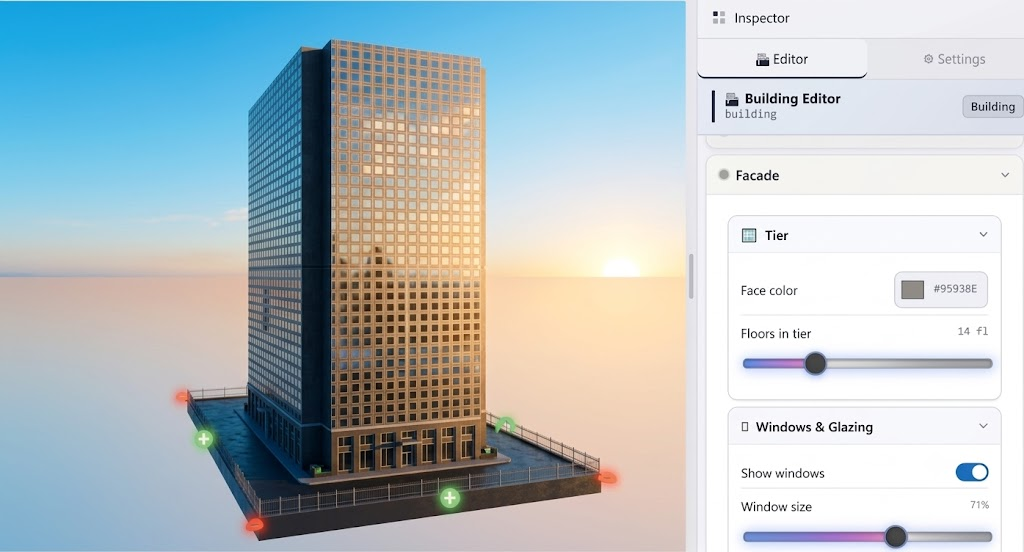
Shape buildings by prompt or by hand
Ask for a tower and the AI places it, or dial floors, facade color, and windows yourself. Everything stays editable either way.
- Prompt-generated buildings
- Facade & floors
- Interactive handles
Just prompt the AI. Get a playable 3D game with an editable scene and a link you can share instantly.
Inside the editor
Ask for a tower and the AI places it, or dial floors, facade color, and windows yourself. Everything stays editable either way.
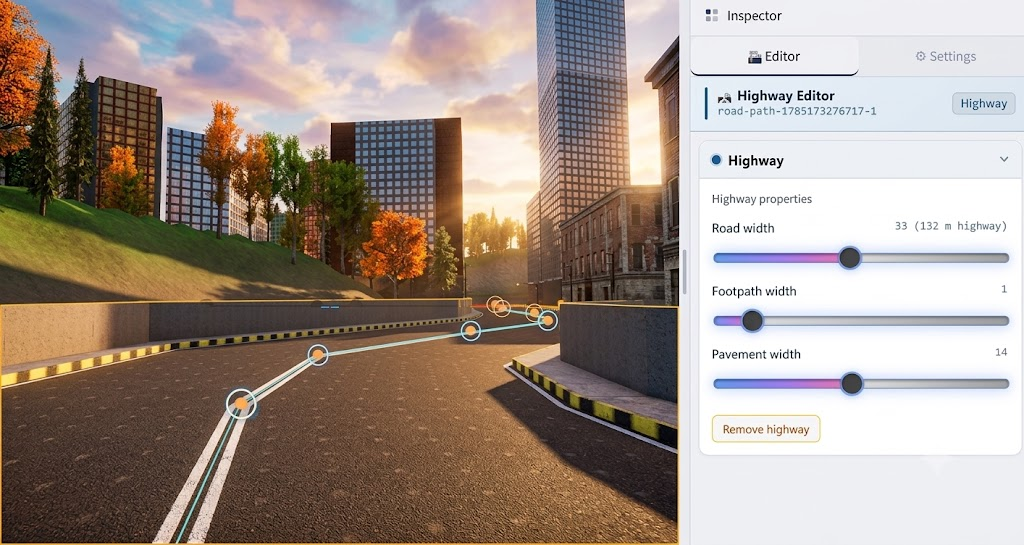
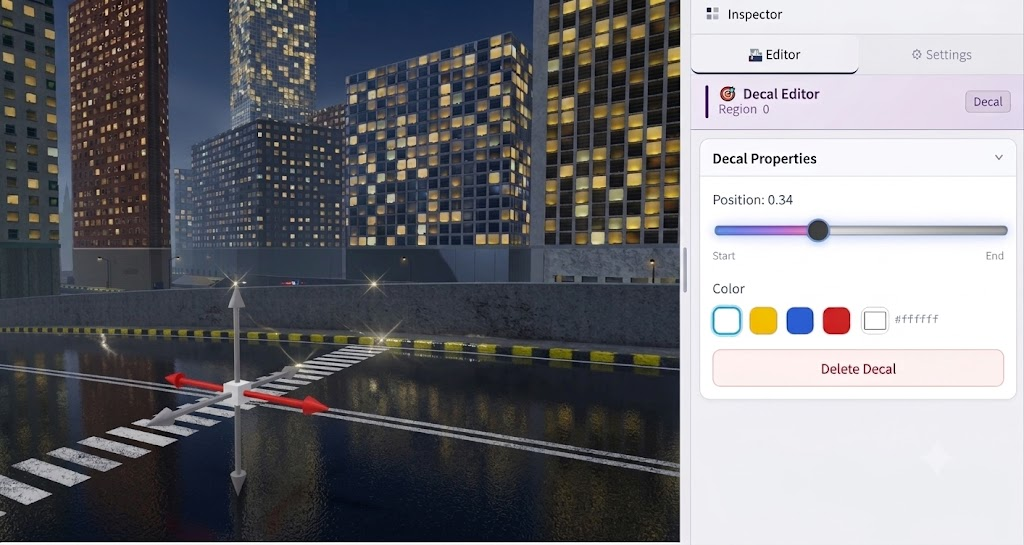
Describe a highway network or drag nodes live. Road, footpath, and pavement width update in real time.
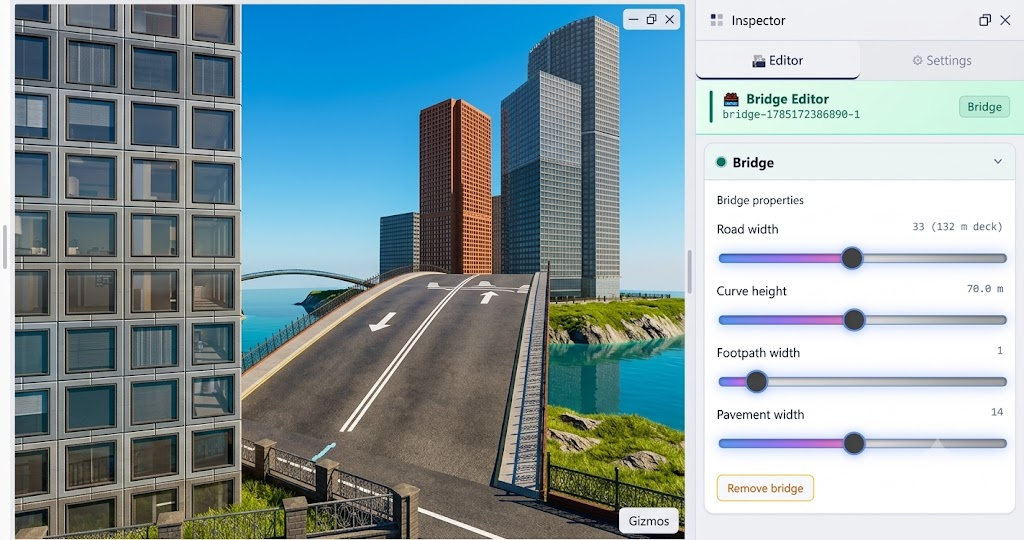
Prompt a crossing or tune curve height and deck width yourself. Bridges stay part of the editable environment.
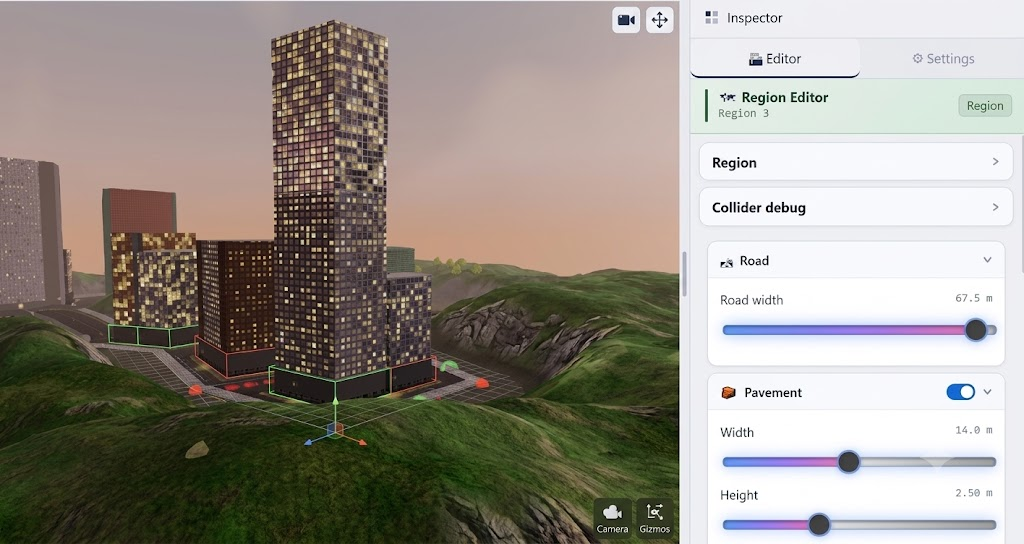
A prompt can lay out terrain, buildings, and roads. Then refine placement with gizmos across hills and city blocks.
The AI links player assets into your game. Preview idle loops, swap meshes, and edit materials before you ship.
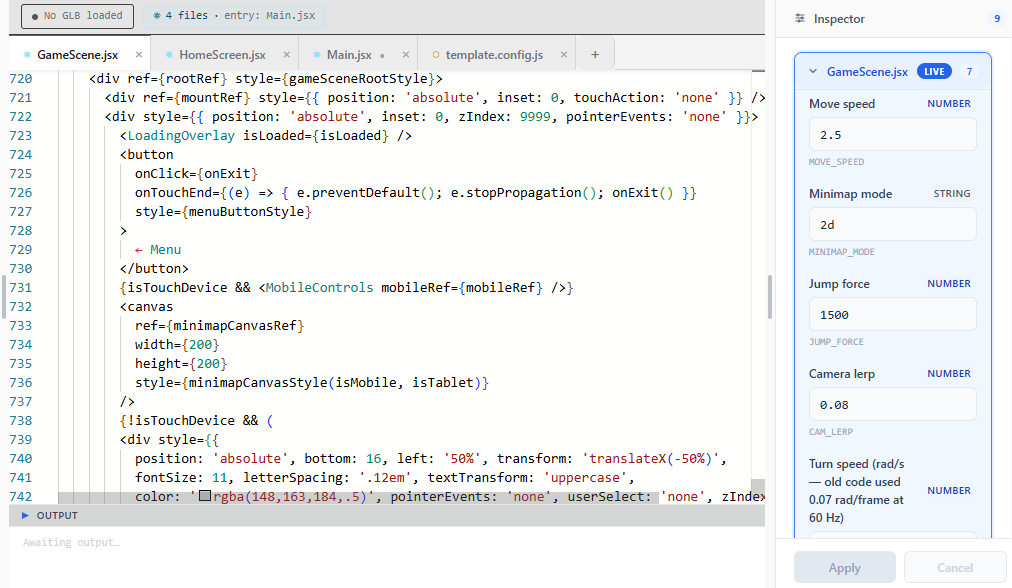
Prompts generate editable game logic. Power users can open the code or tune live params like move speed and jump force.
How CityVibe3D works
One prompt drives code, the editable editor scene, and assets, then ships as a playable link.
Describe what you want. The AI writes game code, generates an editable 3D environment, and wires up assets for you.
What the prompt creates stays editable. Tweak buildings, roads, bridges, and terrain in the visual editor anytime.
Characters, vehicles, and props are linked into the scene and game logic automatically. No asset hunting or glue code.
Everything combines into a single game. Publish once and send a browser link. Friends play instantly, no install.
Three steps
Describe the game. The AI writes the code, generates an editable 3D environment, and connects the assets you need.
Keep prompting or fine-tune visually. Buildings, roads, characters, and gameplay stay editable after generation.
Everything combines into one game. Publish and send a link. Anyone can play in the browser.
Pricing
Subscribe in the editor. Payments are processed by Paddle, our Merchant of Record. Unused monthly tokens do not roll over.
$0
$10/mo
or $100 / year
$25/mo
or $250 / year
30-day money-back guarantee. See our Refund Policy, Terms of Service, and Privacy Notice. Billing help: info@cityvibe3d.com.
FAQ
CityVibe3D turns a text prompt into a playable 3D game. AI writes the code, builds an editable city environment, connects assets, and packs it into a shareable browser link.
No. Describe the game you want. The AI generates the code and environment. You can refine visually in the editor, and open the code if you want deeper control.
Buildings, roads, bridges, regions, characters, animations, and live game parameters. Everything the prompt creates stays editable.
Publish with one click. You get a playable link that runs in any browser with no install.
Free includes 1 project and no AI tokens. Basic is $10/month (or $100/year) with unlimited projects and 200K AI tokens per month. Pro is $25/month (or $250/year) with unlimited projects and 1M AI tokens per month. Unused tokens do not roll over.
Paid plans have a 30-day money-back guarantee. Paddle.com is the Merchant of Record and handles returns. See the Refund Policy linked in the footer.
Ready to try? Launch the CityVibe3D editor.
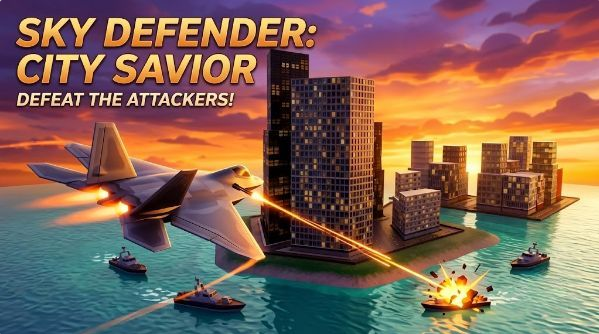
CityVibe3D is a browser-based way to make a playable 3D game from a written prompt. You describe the game in ordinary language. The AI writes the game code, builds an editable 3D city — buildings, roads, bridges, and regions — and connects characters, vehicles, and props into that scene. When the result is something you would actually hand to a friend, you publish a play link. They open it in a browser. There is no engine install on their side and no app store step on yours.
The editor stays available after generation. A prompt is not a one-shot picture. If the car spawns inside a tower, you move the tower or you say so in a follow-up prompt. If the run is too fast, you change a live parameter such as move speed. If you want the code, you can open it. If you do not, you can still ship the game. The product is aimed at people who know what they want to play and do not want the first week to be a toolchain.
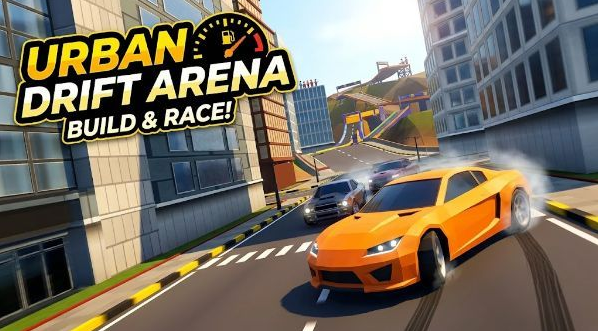
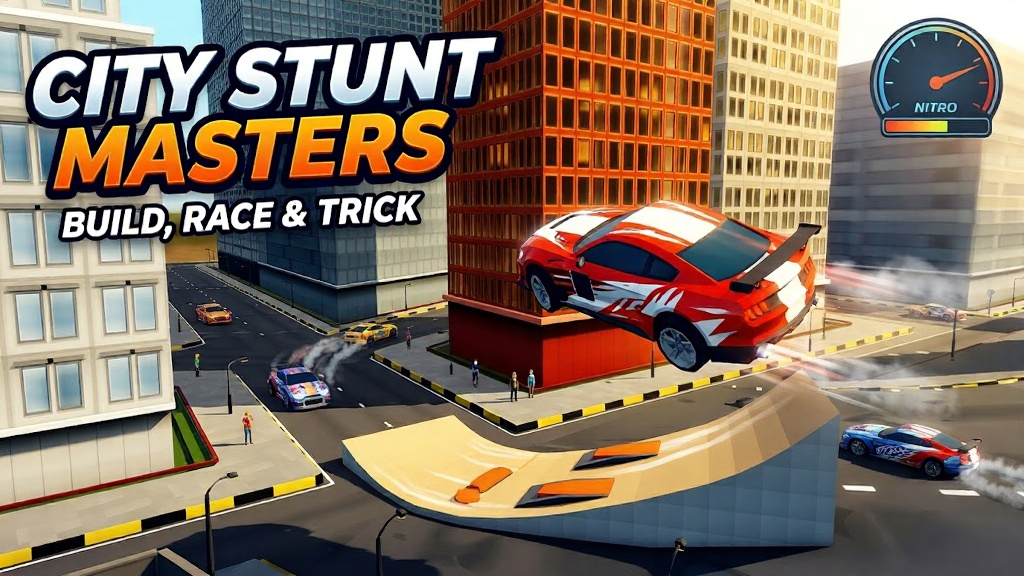
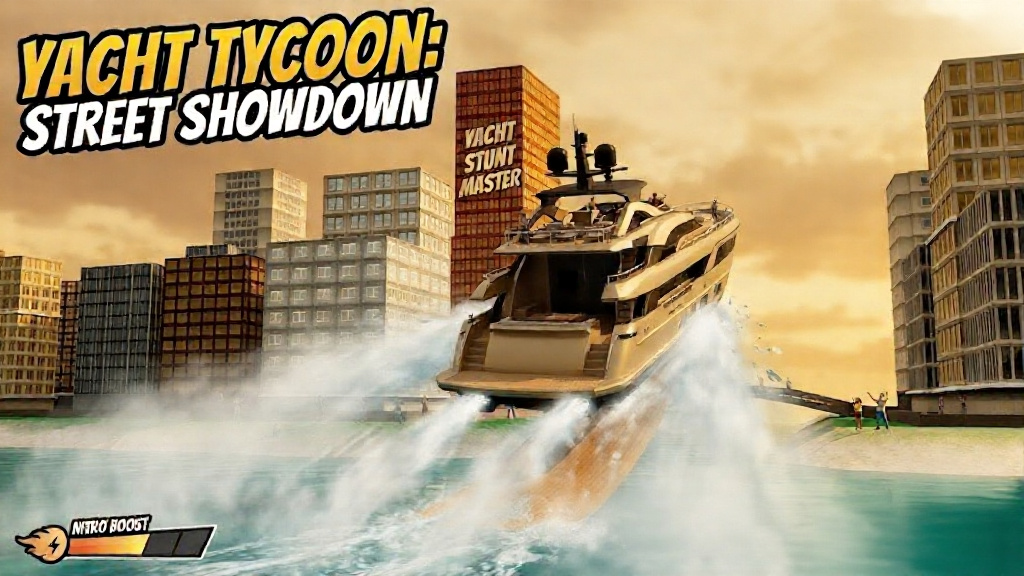
CityVibe3D is a city game maker in particular, not a general blank-void engine. Streets, blocks, bridges, and districts are the vocabulary. A night race, a rooftop crossing, a flight over a skyline, and a runner down one avenue are the kinds of games the tools are built to finish. You can change colors, heights, and layouts until the place matches the sentence you started with.
1. Write a prompt. Name the player, the place, and the action they repeat. Say the keys. “Arrow keys steer, space boosts, reach the bridge without hitting traffic” is a complete brief. The AI uses that brief to write gameplay code and to lay out a city the code can run in. One game per prompt works better than three genres stacked together. You can add a rule later with a follow-up.
2. The AI writes the game and the environment. You get code, a scene, and assets that are already connected. Buildings stay editable: floors, facade, windows. Roads stay editable: path nodes and width in meters. Bridges have curve and deck controls. Regions group a block of terrain and streets so you can fill an area and still nudge pieces by hand. Characters and vehicles preview with their animations. Nothing in that list is a locked preview you have to throw away to make a change.
3. Share a play link. Publish packs the project into one browser game. Copy the link. The other person plays without an account. You can keep editing and publish again if the first public version is too hard or the camera clips a building. The link is the game; the editor is where you keep working. Guides on this site walk through prompting, a beginner city game, better prompts, and sharing in more detail.
Generation is the start of the edit, not the end of it. Use the building editor when a tower hides the road. Use the road tools when the lane is narrower than the car. Use the bridge tools when the crossing should be the finish line and it landed a block too far west. Use character tools to check that a run cycle actually loops. Use live parameters when the feel is wrong but the layout is right. Use a follow-up prompt when the change is a rule: add a timer, end the run on contact, show the score. Use your hands when the change is a single object.
Plans are simple. Free includes one project and no monthly AI tokens, which is enough to learn the screens. Basic is $10 a month or $100 a year, with unlimited projects and 200,000 AI tokens each month. Pro is $25 a month or $250 a year, with unlimited projects and 1,000,000 AI tokens each month. Unused tokens do not roll over. Paid plans have a 30-day money-back guarantee handled by Paddle, the Merchant of Record. Pricing on this page and the refund policy in the footer are the current numbers.
The guides walk through prompting, a beginner city game, better prompt writing, and how to share a browser play link. More of the same questions people ask — coding experience, what stays editable, how sharing works, what it costs — are answered in the FAQ above. When you want the longer version of the steps, start with the guide to making a 3D game with AI prompts.
Prompts write the code, build the editable environment, connect assets, and combine it all into one game.